How do I use an invite code to upgrade my account?
If you are given an invite code to upgrade your account, log in to your account and go to the Upgrade tab. Click Apply Code on the right, then paste your code into the text box.
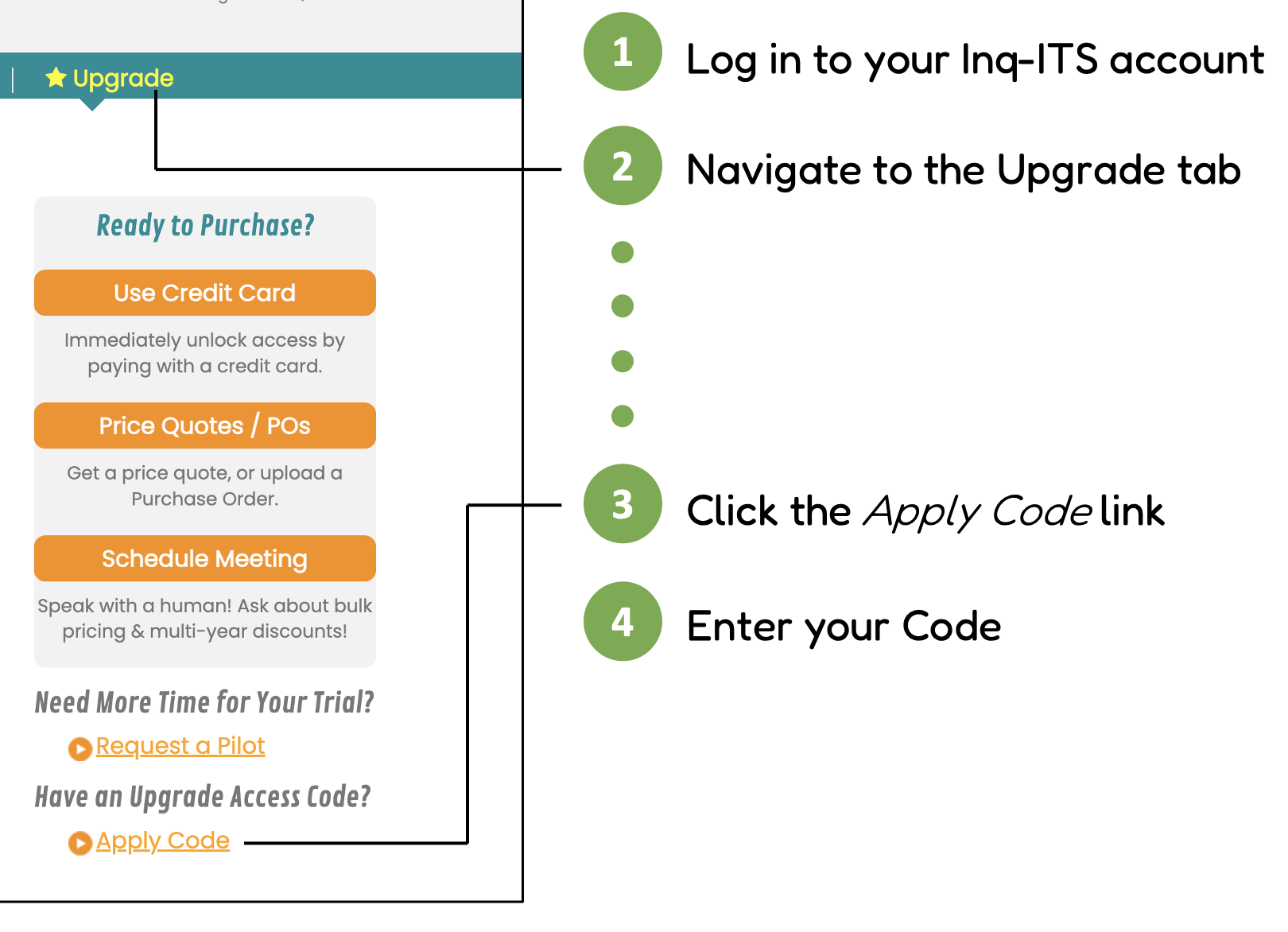

If you are given an invite code to upgrade your account, log in to your account and go to the Upgrade tab. Click Apply Code on the right, then paste your code into the text box.
Still need help? Contact Us Contact Us